Want to see your progress?
Now you can look back at what you had accomplished that day or week and see it on your calendars - in Focuster and in Google Calendar if you'd like to.
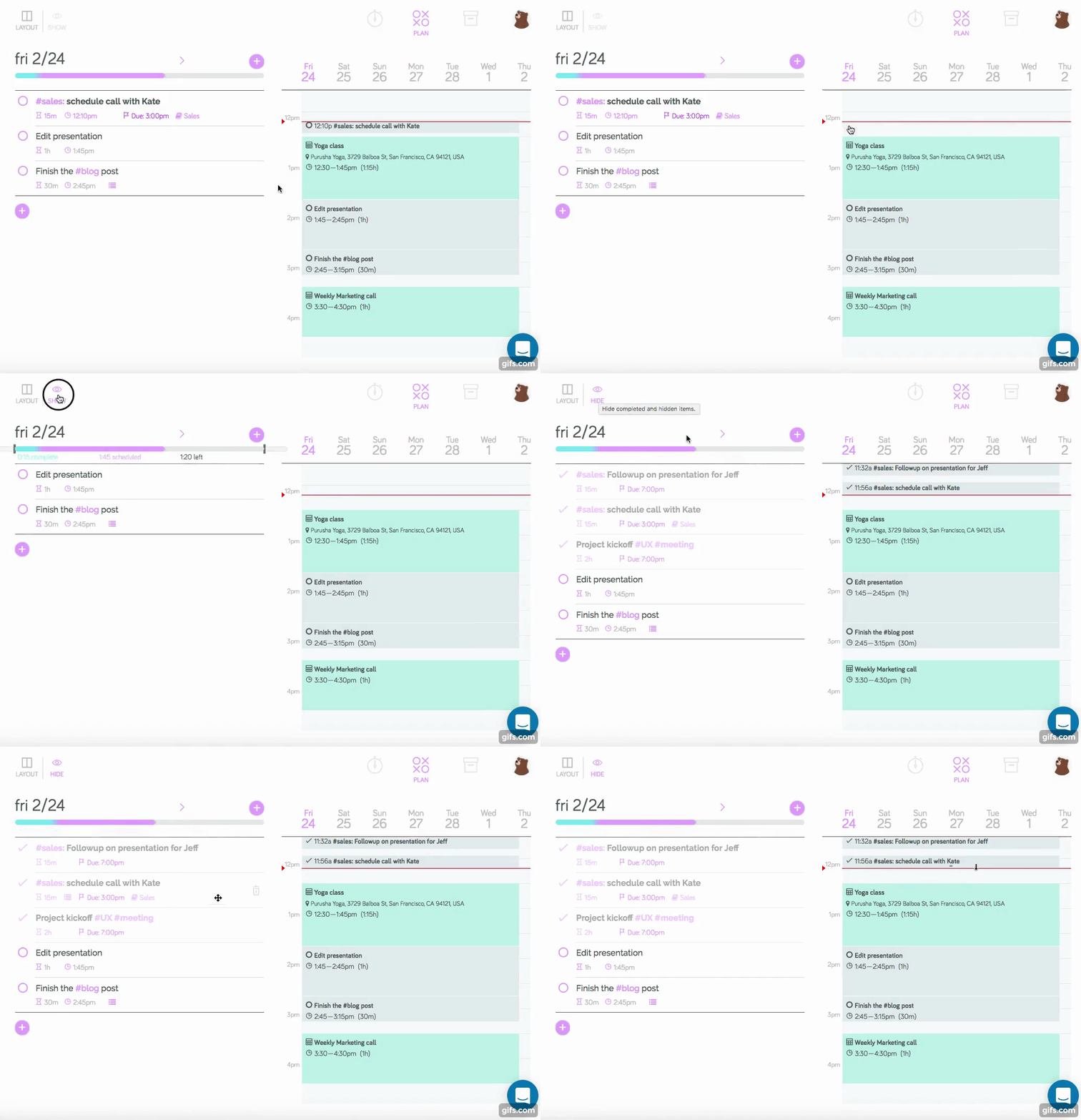
If you'd like to see completed actions in Focuster Calendar, use the Show/Hide toggle to turn it on and off in Focuster:
If you'd like to see completed actions in your Google Calendar, just turn on “Leave completed Actions in Calendar (opens in a new tab)” in Settings.
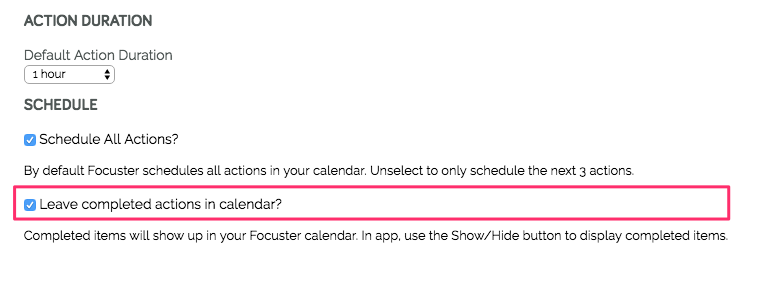
Then anything you complete will show up on your Google calendar when you completed it.
-