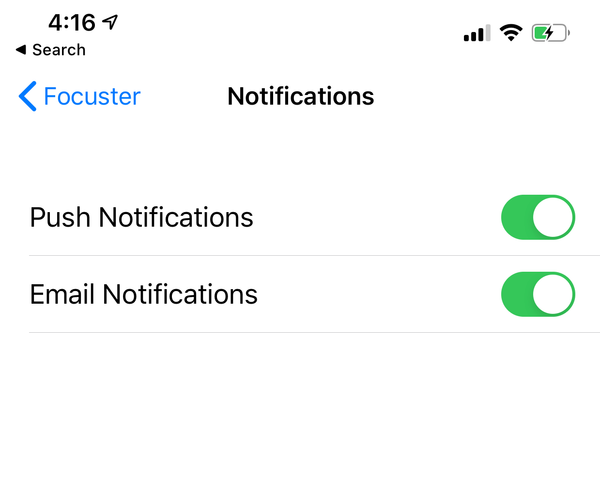
You can control how TestFlight can contact you for updates. Open the TestFlight app, select Focuster, scroll down to Notifications and uncheck Push and/or Email Notifications (opens in a new tab).
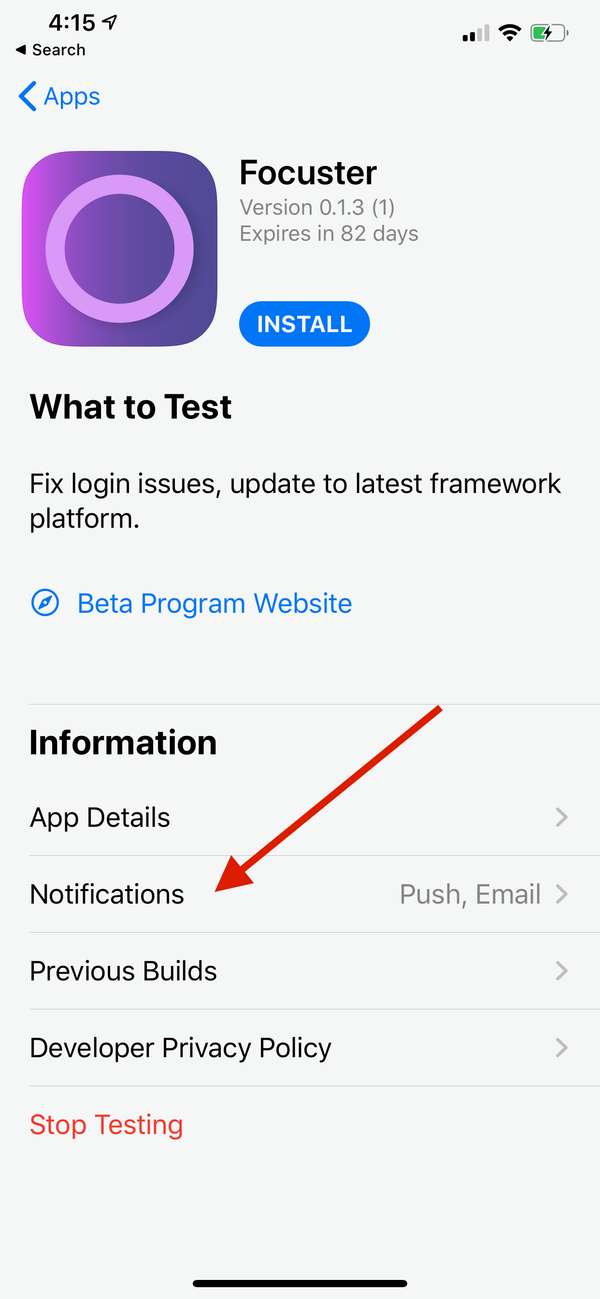
If you want to completely stop beta testing, you can tap "Stop Testing" in TestFlight, which will remove you from our Early Access Program (beta testers list) and you will no longer receive any new builds or notifications.
You can still sign up again in the future if you want to receive beta builds for Focuster again.