Focuster Chrome Extension helps you to keep the focus on your top priorities. Every time when you open a new tab in Chrome, you will see Focuser Now view (opens in a new tab) showing you this one the most important thing you should be focused on right now.
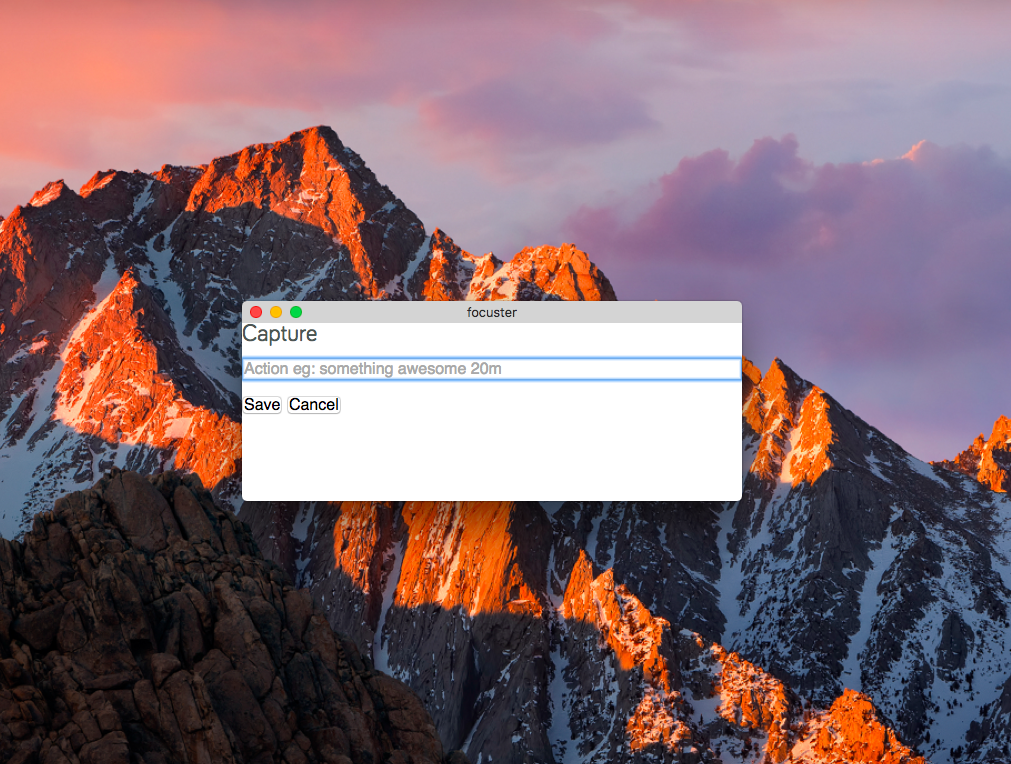
It also allows you to capture things you need to do later without losing your flow.
To open Focuster's quick capture window use these shortcuts:
Control+Shift+9 (Windows/Linux)
Command+Shift+9 (Mac)
You can download Chrome Extension here: https://chrome.google.com/webstore/detail/focuster-for-chrome/bafpjfpmoemfbpekbjgcfclkcokknpdj?hl=en (opens in a new tab)